AI Mood Board Creator
MoodBoard AI's AI creator helps you generate polished mood boards in seconds.
Choose Your Creative Direction
Start with a clear intent, such as interior design, fashion, or brand storytelling. The creator uses your input to generate a strong first concept quickly.
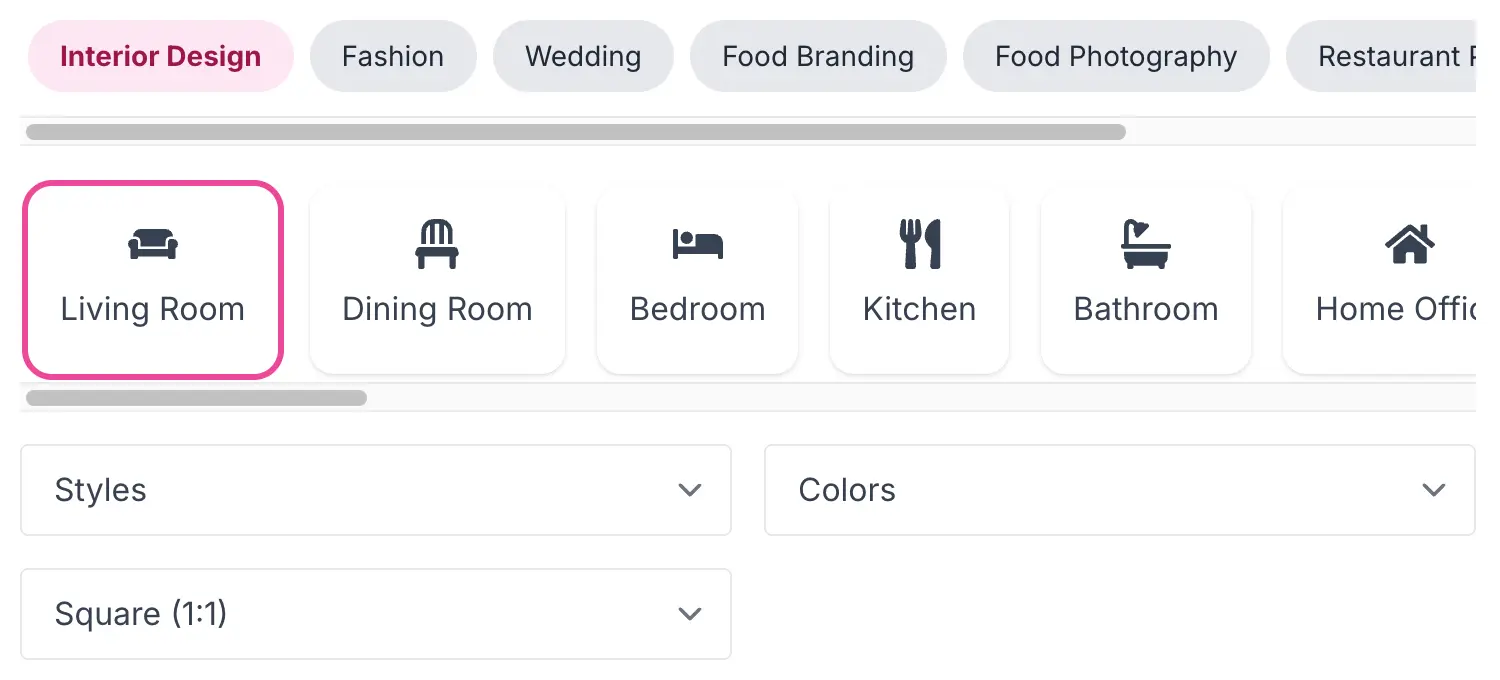
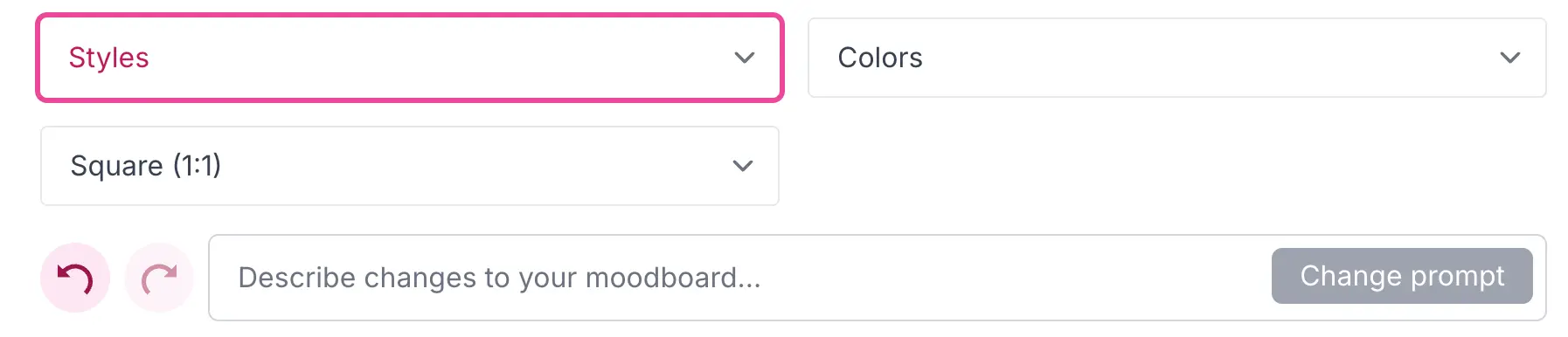
Select a Visual Style
Pick a style direction, such as minimalist, contemporary, or vintage. Style selection guides layout, color mood, and image composition.
Add Prompt Details
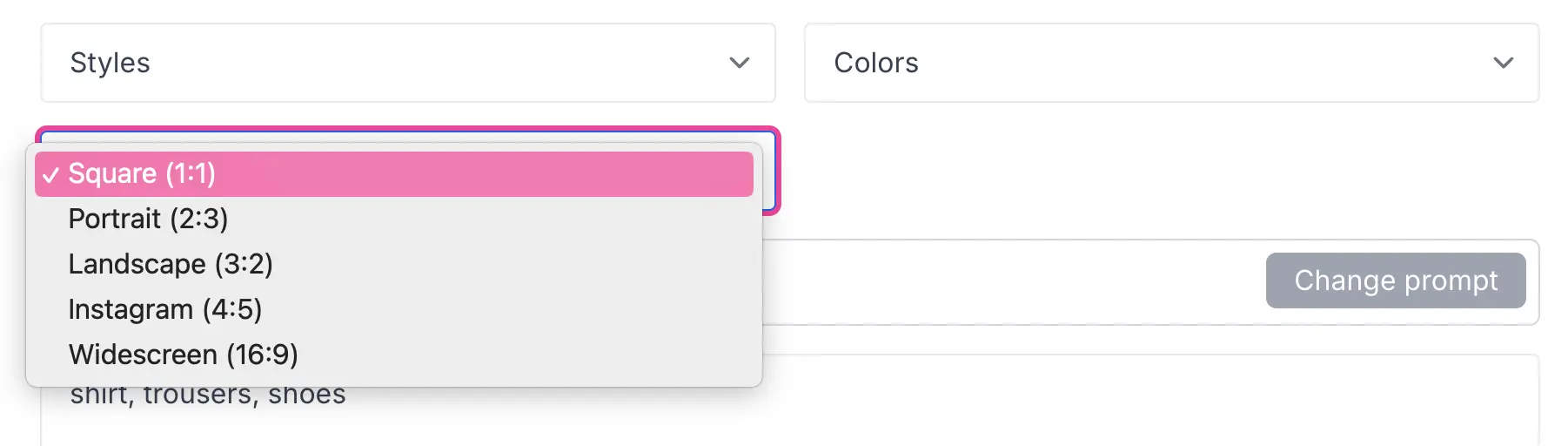
Use descriptive prompt details like materials, lighting, textures, or atmosphere. More specific prompts produce more relevant results.
Iterate with AI Chat
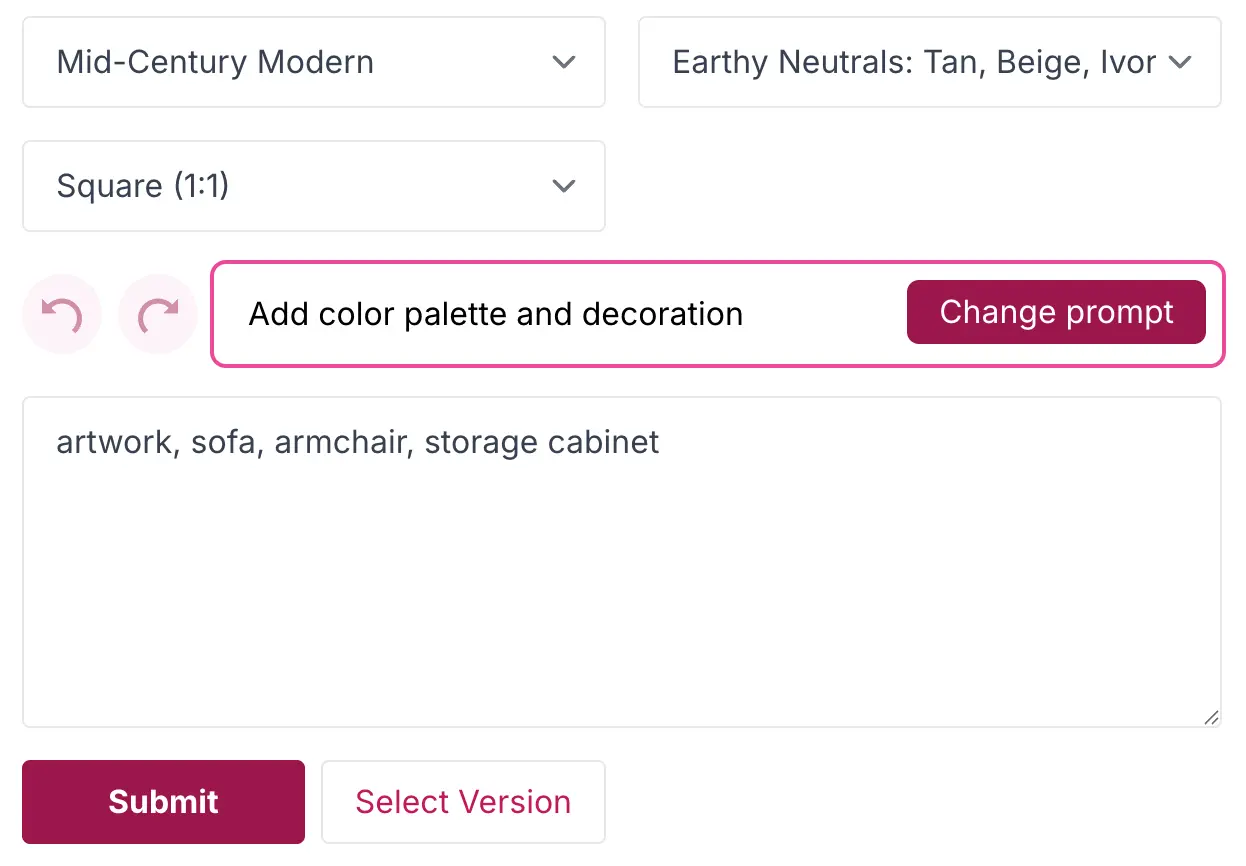
Refine your generated board through prompt edits and regeneration. This is the fastest way to move from rough inspiration to a usable direction.
Improve with Quick Tools
Use clean-up and replace actions to remove distractions and tighten visual consistency before final editing.
Move to the Editor
When you have a strong generated board, open it in the Mood Board Editor to add text, products, and final presentation details.